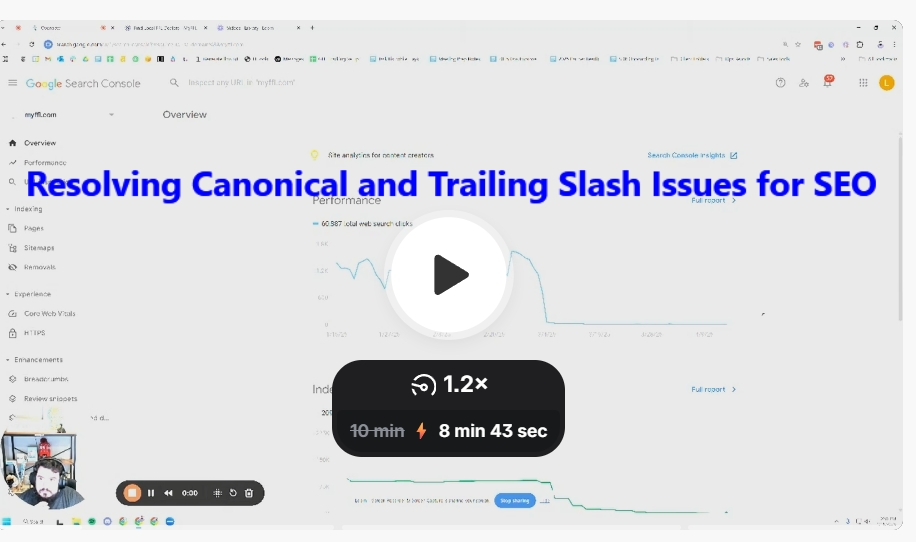
Resolving Canonical and Trailing Slash Issues for SEO
Resolving Canonical and Trailing Slash Issues for SEO
1. Identify the Issue 0:01
Review the performance report in Search Console to identify traffic drops.
Confirm the presence of canonical issues and trailing slash discrepancies.
2. Analyze Affected URLs 0:31
Check the performance of specific pages that previously had traffic.
Compare the URLs with and without trailing slashes.
3. Test URL Accessibility 1:15
Use the live URL test to check if the affected URLs are accessible to Google.
Note any discrepancies in indexing status.
4. Investigate Canonical Tags 3:29
Confirm that the canonical tags are set correctly (with or without trailing slashes).
Ensure that the canonical version aligns with the version that was previously indexed.
5. Request Indexing for Affected Pages 4:39
Start requesting indexing for the affected pages to expedite their return to the index.
Be aware of limitations on the number of requests per day.
6. Decide on URL Structure 5:01
Choose a consistent URL structure (with or without trailing slashes) for the site.
Ensure that all internal links and sitemaps reflect this decision.
7. Implement 301 Redirects (if necessary) 7:07
Consider setting up 301 redirects from trailing slash URLs to non-trailing slash URLs (or vice versa) to prevent future issues.
8. Review Crawl Errors 8:00
Investigate any 403 Forbidden errors encountered during crawling.
Ensure that Googlebot is not being blocked from accessing the site.
9. Monitor and Validate Changes 10:02
Check server logs to confirm that Googlebot is no longer receiving 403 errors.
Monitor Search Console for improvements in indexing and traffic.
10. Follow Up 10:33
Offer to discuss findings and next steps in a follow-up meeting.
