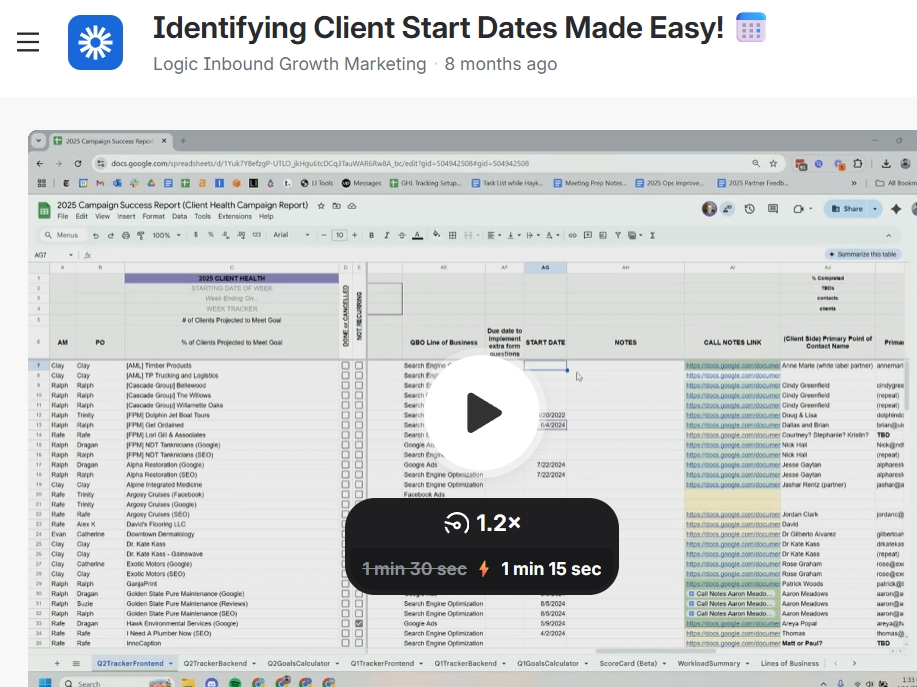
Identifying Client Start Dates
Identifying Client Start Dates
Objective
This SOP outlines the steps to identify the start date for clients when it is not readily available, using two methodologies: reviewing Wins and Shout Outs and checking call notes documents.
Key Steps
1. Access Wins and Shout Outs Channel 0:21
Open Discord.
Type in the search bar:
:Wins and Shout Outs.Select the Wins and Shout Outs channel.
2. Search for Client Name 0:35
In the Wins and Shout Outs channel, look for the specific client name.
If the client has multiple names, ensure to check all relevant names.
3. Identify Relevant Start Date 0:55
Look for announcements related to the client.
Note the kickoff date mentioned in the announcements.
4. Verify with Call Notes 1:13
Cross-check the kickoff date with the call notes document.
Ensure that the dates match for accuracy.
5. Record the Start Date 1:20
Once confirmed, document the start date for the client.
Cautionary Notes
Always verify the information from multiple sources to ensure accuracy.
Be cautious of any discrepancies between different documents.
Tips for Efficiency
Familiarize yourself with the layout of the Wins and Shout Outs channel to speed up the search process.
Use specific keywords related to the client when searching to narrow down results quickly.
