Creating SOP Video Transcripts With Loom
Creating SOP Video Transcripts Using Loom
Objective
This SOP outlines the steps to create Standard Operating Procedures (SOPs) using Loom videos, ensuring a streamlined process for documentation.
Key Steps
1. Log into Loom 0:01
Access the Loom platform.
Log in using the SEO at Logic Inbound account.
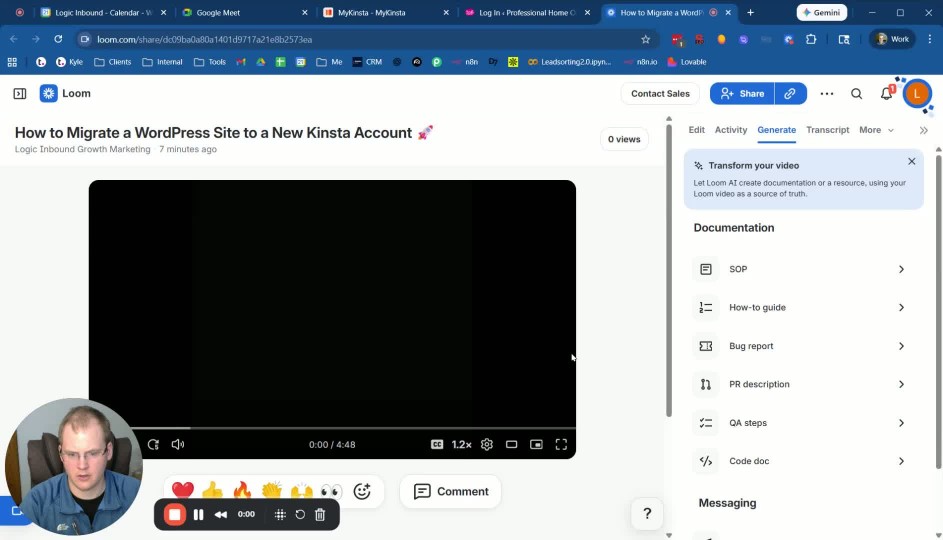
2. Generate SOP from Loom Video 0:11
Click on the desired Loom video.
If the SOP has not generated automatically, navigate to the right-hand side and click on 'Generate'.
3. Create SOP Screenshots and Timestamps 0:24
Click on 'SOP' to initiate the generation process.
This will capture screenshots of each phase and provide timestamps for reference.
4. Copy SOP Content 0:43
Once the SOP is generated, copy the content.
Paste it into a Google Doc or directly into SOPs.logicandbound.com.
5. Review and Edit SOP 1:01
Review the generated SOP for any spelling or formatting errors.
Make necessary edits to ensure clarity and accuracy.
6. Finalize and Save SOP 1:12
Once edits are complete, save the SOP in the appropriate location.
Cautionary Notes
Ensure you are logged into the correct account to avoid access issues.
Double-check for any spelling or grammatical errors before finalizing the SOP.
Tips for Efficiency
Use the copy and paste feature to minimize manual writing.
Familiarize yourself with Loom's interface to speed up the process of generating SOPs.
Link to Loom
https://loom.com/share/049a4a0d6a4a429ab6e601848c62d7e1
